The Barium Toolkit
The below screenshots might not always be up to date and are certainly not exhaustive. They are meant to convey a quick idea of what is achievable with Barium. In all cases, a direct link to the respective source code is provided.
Demos (bundled with Barium)
bmi-calculator
This is a basic example utilizing a fixed layout. [source]
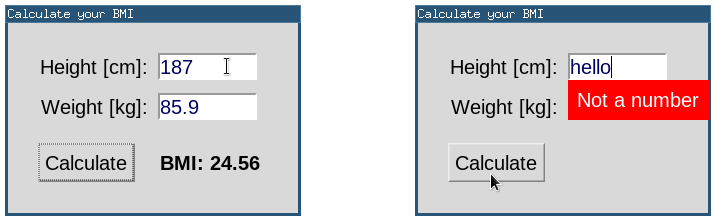
Features:
- fixed layout
- entries with input validation
tonegen
This demo is meant to be a close reproduction of the GTK via CFFI example (and other similar applications of Matthew D. Miller's excellent Survey of the State of GUI Programming in Lisp). [source]
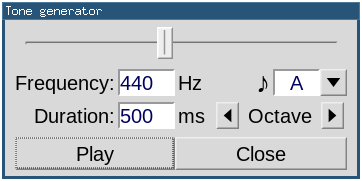
Features:
- grid layout
- logarithmic slider for frequency adjustment
- widgets wired together via conventional event bindings
molview
This demo is derived from Doug Hoyte's Molecule Viewer distributed as
the molview example program of cl-opengl (under examples/misc):
original source. The original OpenGL code is preserved as much as
possible; the demo adds UI elements allowing easy adjustment and
visual parameter feedback, while keeping all the original key
bindings.
[source]

Features:
- grid layout
- using OpenGL (including GLUT functions)
- setup variable-like accessors to UI state to simplify code
- refresher (similar to "idle callback" in other toolkits)
- window-global registered key bindings
- auxiliary window opened as a singleton on '?'-button (will be raised if already open)
Tip: click and drag left mouse button (for X and Y axis) and/or use scrollwheel (for Z axis) on GL area to adjust rotation (in addition to sliders and key bindings).
Test programs (bundled with Barium)
windows
[source]
Top-level window with basic widgets
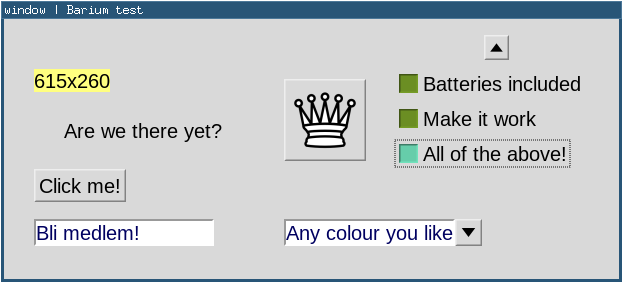
This demonstrates a fixed layout with some widgets such as a label, a regular button, a button displaying an image and another one displaying a figure, some checkbuttons, a text entry and an editable combobox. It also has various handlers bound to several events, demonstrating basic use of event bindings.
Transient & pop-up windows
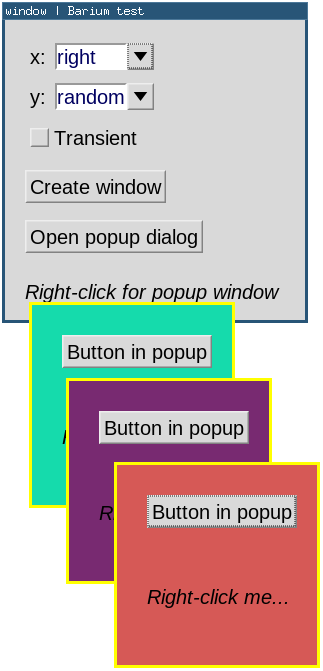
This example demonstrates window placement (initial alignment); transient vs. regular top-level windows; pop-up dialogs and popup windows containing any desired widgets (in this case, a clickable button).
Multiple top-level windows
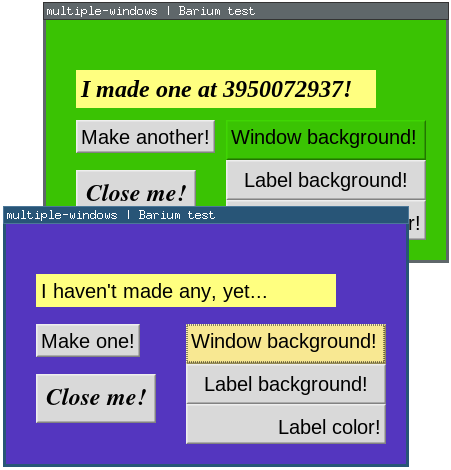
Customizing and programmatically changing text and background colors; various x/y label alignments; keeping track of top-level windows.
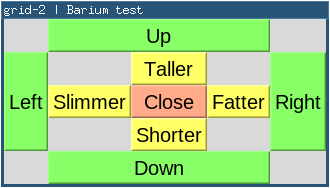
grid
Most example programs use the grid layout manager; this is a dedicated example. [source]
container
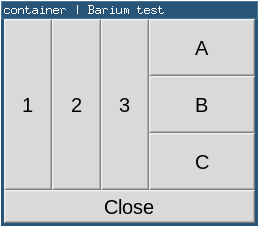
The container is a base class (also usable as a widget on its own)
that provides a grid layout manager. Toplevel windows are containers,
but containers can be hierarchically embedded. This example
demonstrates two containers placed in the toplevel window's grid
layout, each with 3 buttons, one horizontally and one vertically
packed. The container is scrollable; see fonts example. [source]
cairo
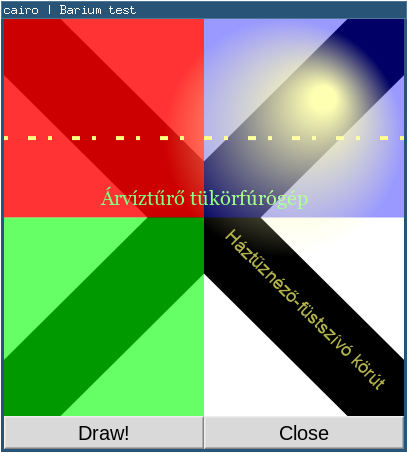
All widgets other than OpenGL areas are descendants of canvas, which
provides (optionally double-buffered) Cairo drawing. This is a
dedicated example demonstrating some non-trivial Cairo functionality.
[source]
cairo image
The class image holds image data read from a PNG on to a Cairo
surface.
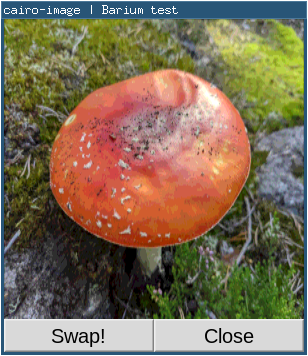
N.B.: Buttons have support for displaying such an image instead of text.
combobox
The combobox is a composite widget: it is built out of an actual
entry and button widget, which triggers a popup containing a listbox.
As it is just an ordinary listbox, it can contain a list of complex
data (with its car containing the string to be displayed), or just
plain strings. [source]
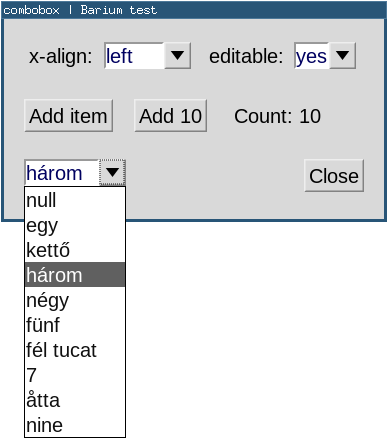
The entry contents can be manually editable or only changeable via list selection. A non-editable combobox (not allowing manual editing of the entry field, only selection of a list item) reacts to mouse wheel events in the entry field, making it convenient to scroll the selected item up/down the list without popping it up. Other "obvious" key bindings are implemented as well.
listbox
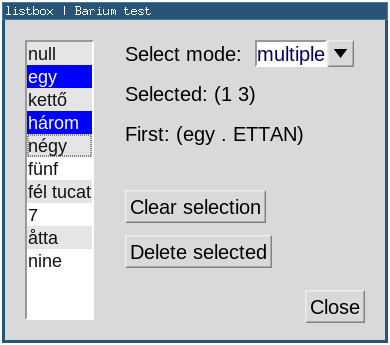
The listbox holds a list of user-provided items: either just strings
or complex data which has a string (to be displayed) as its car.
Three select modes are available: none, single and multiple. The
key bindings and other behaviour of the widget depends on this mode.
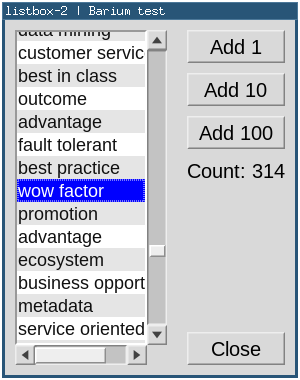
The listbox is scrollable, as demonstrated by the second test
program below. [source]
fonts
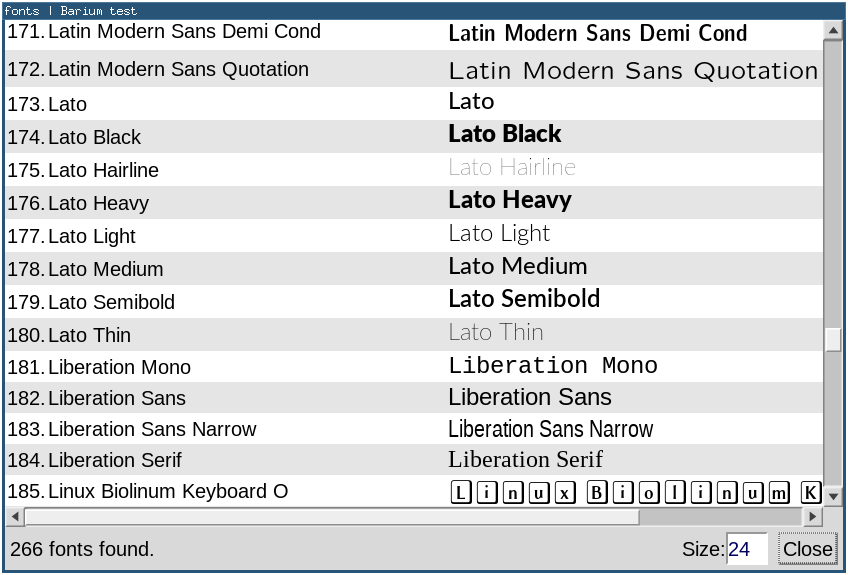
Barium draws text via Cairo functions; the list of available fonts can be queried (at this time) via an Xft binding. This example also demonstrates how multiple (potentially many) widgets can be arranged into a grid that is itself made (efficiently) scrollable. [source]
textview and textedit
range
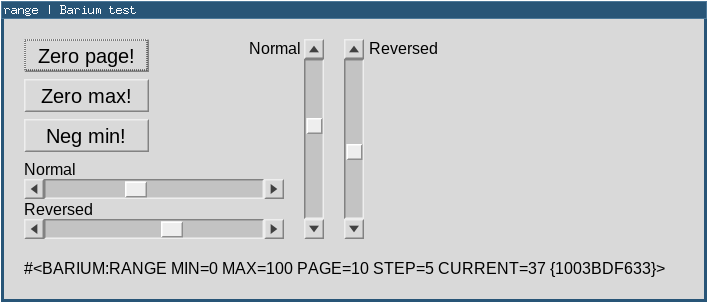
The range class is not a widget by itself. Rather, it is an
auxiliary object representing a range of values. It supports
scrollbars as well as sliders, and potentially other use cases. This
example demonstrates a range shared between four scrollbars, with all
combinations of horizontal/vertical and normal/reversed. [source]
scrollbox
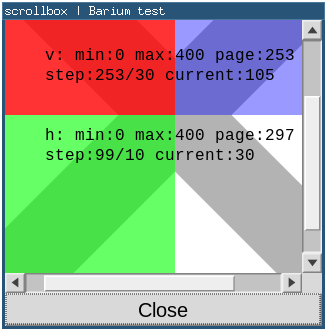
Barium has a generic way of making widgets scrollable. Using a
scrollable widget is possible via manually connecting it to a
scrollbar; an even simpler way is embedding it into a scrollbox that
may provide scrollbars in one or both directions. The scrollbars can
also be hidden and shown dynamically as required. [source]
slider
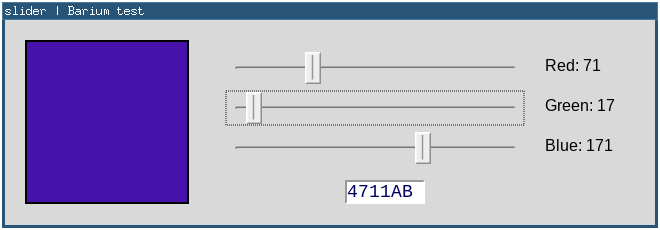
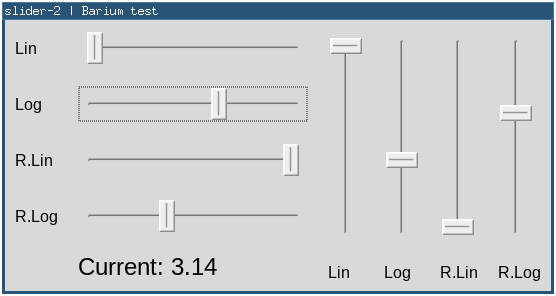
Sliders can be horizontal or vertical, with potentially reversed scale, and can have a linear or logarithmic taper. They can be bound to an external range object (potentially sharing it with other widgets) or have their own internal range instance. Sliders receive keyboard focus and respond to arrows and Page Up/Down keys. [source]
OpenGL area
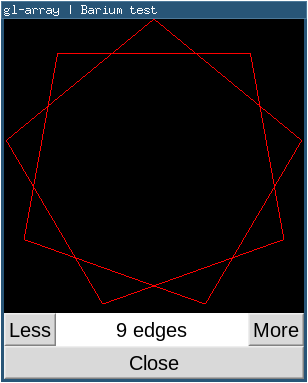
Part of Barium's raison d'être is easy integration of OpenGL-drawn
widgets with regular (Cairo-drawn) ones. OpenGL code (via cl-opengl)
can be used to render into the gl-area widget. These examples
demonstrate various OpenGL features, but they all build on a plain
gl-area with user-bound event handlers. The GL code of these
programs is derived from corresponding "bare" examples distributed
with cl-opengl.
GL Arrays [source]:
Gears [source]:
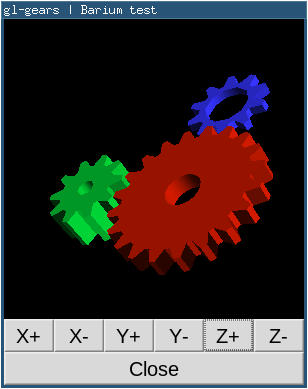
Tip: as an alternative to the six adjustment buttons, click and drag left mouse button (for X and Y axis) and/or use scrollwheel (for Z axis) on GL area to adjust rotation.
Shader VAO [source]:
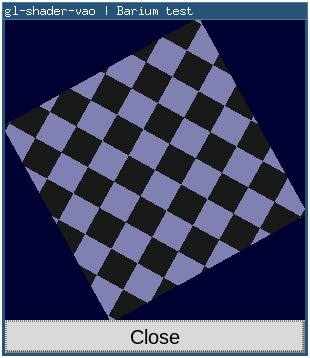
This last example demonstrates loading, compiling and linking the GL program (vertex and fragment shaders from GLSL source in a string), creating and binding a VAO (vertex array object), updating and refreshing the view at the framerate.